
Automatic sign-out and night shifts
People forget to sign out. Clavarius signs them out automatically, so they don't stay on the sign-in screen, the Signed-in List and view-only links for ever. You choose when that happens.
Choose when people are signed out
- Go to Admin → Settings.
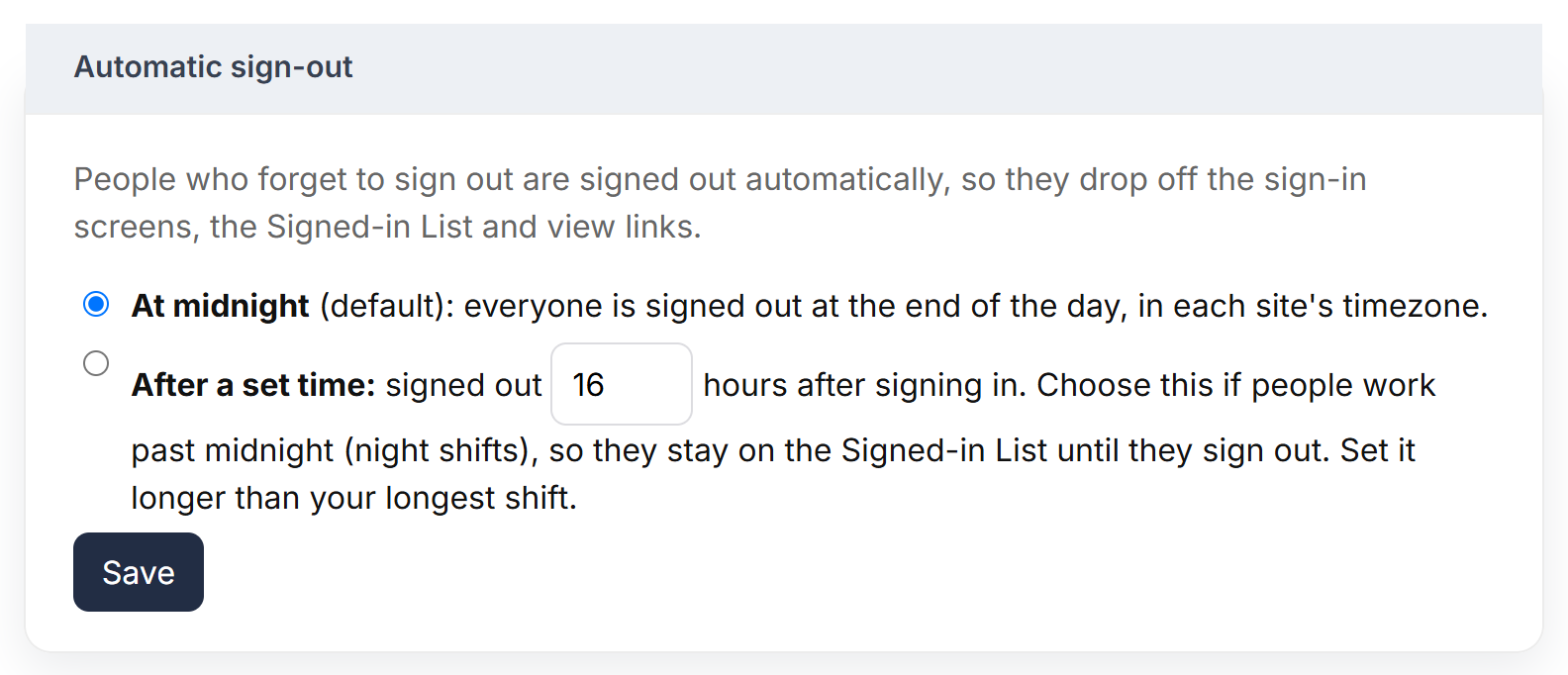
- Under Automatic sign-out, choose one:
- At midnight (the default): everyone still signed in is signed out at the end of the day, in each site's time zone.
- After a set time: people are signed out a number of hours after they signed in.
- Click Save and confirm.
Which should I choose?
| If… | Choose |
|---|---|
| Nobody works past midnight | At midnight |
| People work night shifts, or shifts that cross midnight | After a set time, longer than your longest shift — for example 16 hours |
With At midnight, anyone on a night shift drops off the Signed-in List at midnight, even though they're still on site. After a set time keeps them on the list until they sign out.
What a forgotten sign-out looks like
- On the sign-in screen, the person's tile goes back to grey (No action today) once they've been signed out automatically.
- In Reports, visits with no sign out are shown as auto sign-outs, so you can spot who often forgets.
- Nothing needs fixing — they simply sign in as normal next time.
Visitors
The same setting applies to visitors: once a visitor is signed out automatically they drop off the Visitors list and the Signed-in List.