Help › Account & billing
Reset a forgotten password
EveryoneUpdated 17 October 2026
Steps
- On your organisation's login page, click Forgot password?
- Enter your Email and click Send reset link.
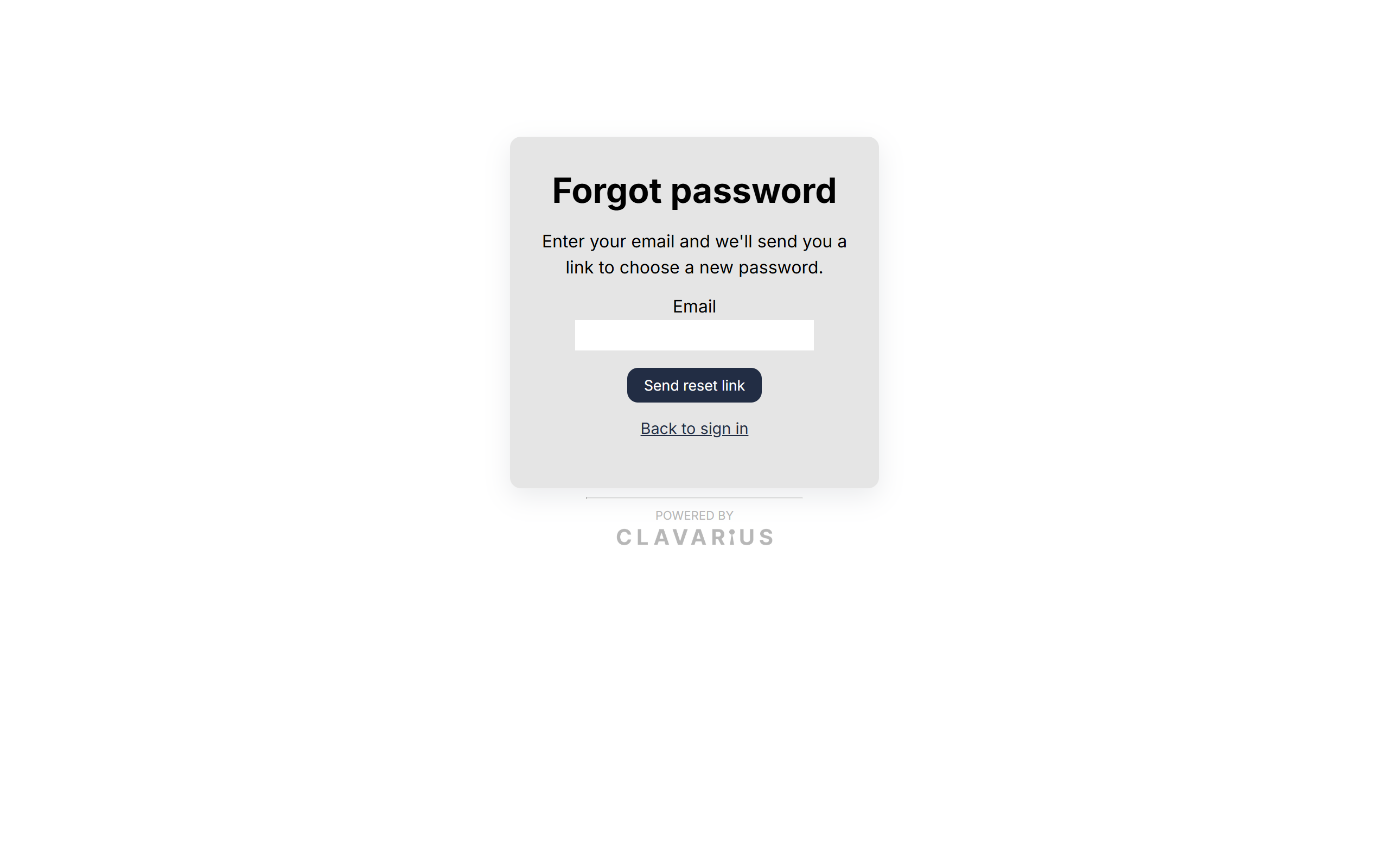 The Forgot password page
 - Open the email "Reset your password" and click Choose a new password.
- Enter your New password twice and click Set password.
- Sign in with the new password.
Good to know
- The page always says "If that email has an account here, we've sent it a link…" — we don't confirm whether an email has an account, for your security.
- The link works once and expires after 60 minutes. If it has expired, you'll see "Link expired"; just request a new one.
- Resetting your password signs you out on every device. Tablets using that login will need the new password.
- No email? Check your spam folder, then see Emails aren't arriving. An admin can also set a new password for an access account in Admin → Users.
