
Download all your data
You can download a complete copy of your organisation's data at any time — for your records, for a data request, or before closing your account.
Steps
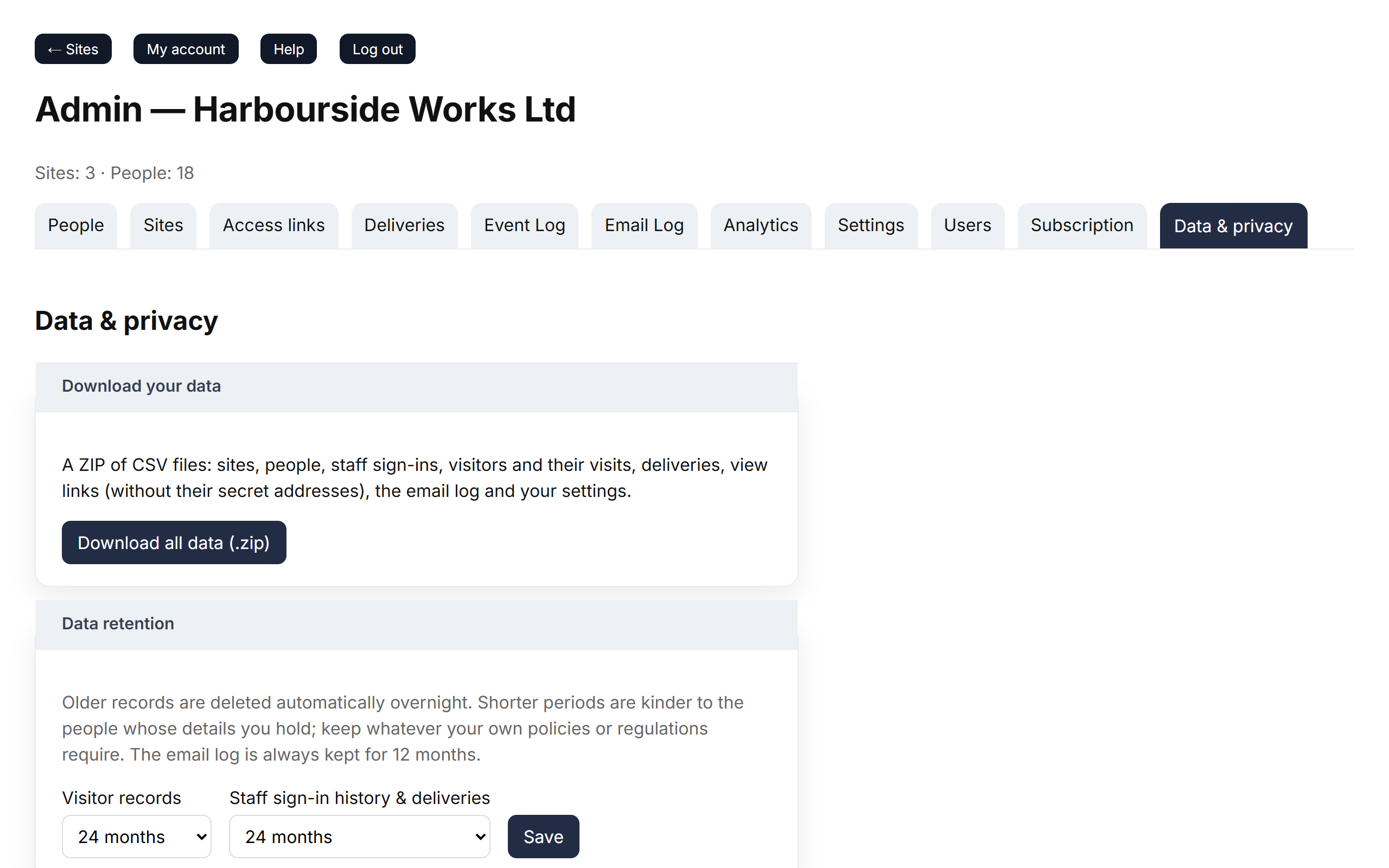
- Go to Admin → Data & privacy.
- Under Download your data, click Download all data (.zip).
What's in the file
A ZIP file containing CSV files (they open in Excel, Numbers or Google Sheets) for:
- sites, people and which sites each person can use;
- every staff sign in and sign out;
- visitors and their visits;
- deliveries;
- your view-only links (names and settings, not the links themselves);
- the email log and your settings;
- a README explaining each file.
Good to know
- Times in the export are in UTC (UK winter time). Add an hour for British Summer Time.
- The download works even if your account is suspended or closing.