
Sign in to Clavarius
Everyone — admins and sign-in tablets — signs in on your organisation's login page.
Steps
- Go to your organisation's address, for example
yourcompany.clavarius.io. - Enter your Email and Password.
- Click Sign in.
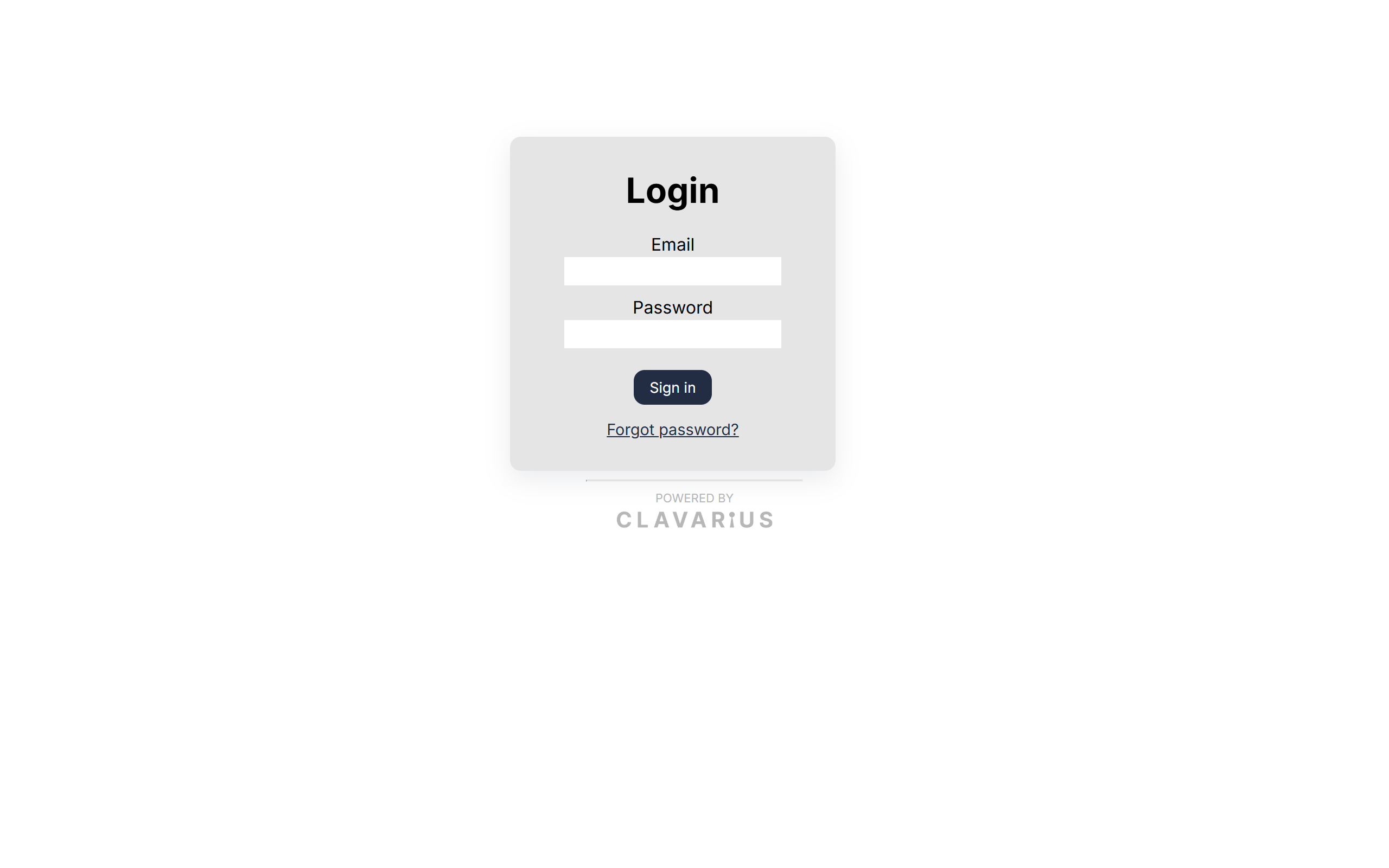
Admins go to the list of sites, with a link to Admin at the top. Access accounts see only the list of sites and their sign-in screens.
How long you stay signed in
You don't need to tick anything: Clavarius remembers each device you sign in on. A device that is used regularly stays signed in for weeks, which is what you want for a tablet on the wall. A device that isn't used for a long time will ask for the password again.
You'll also need to sign in again if:
- you use private or incognito browsing, or your browser clears cookies when it closes;
- the password for that account was changed or reset (this signs it out everywhere);
- an admin removed the account's access.
Signing out
Click Log out at the top of any page. This signs out the device you're using only — other devices stay signed in.