
Change your password
Steps
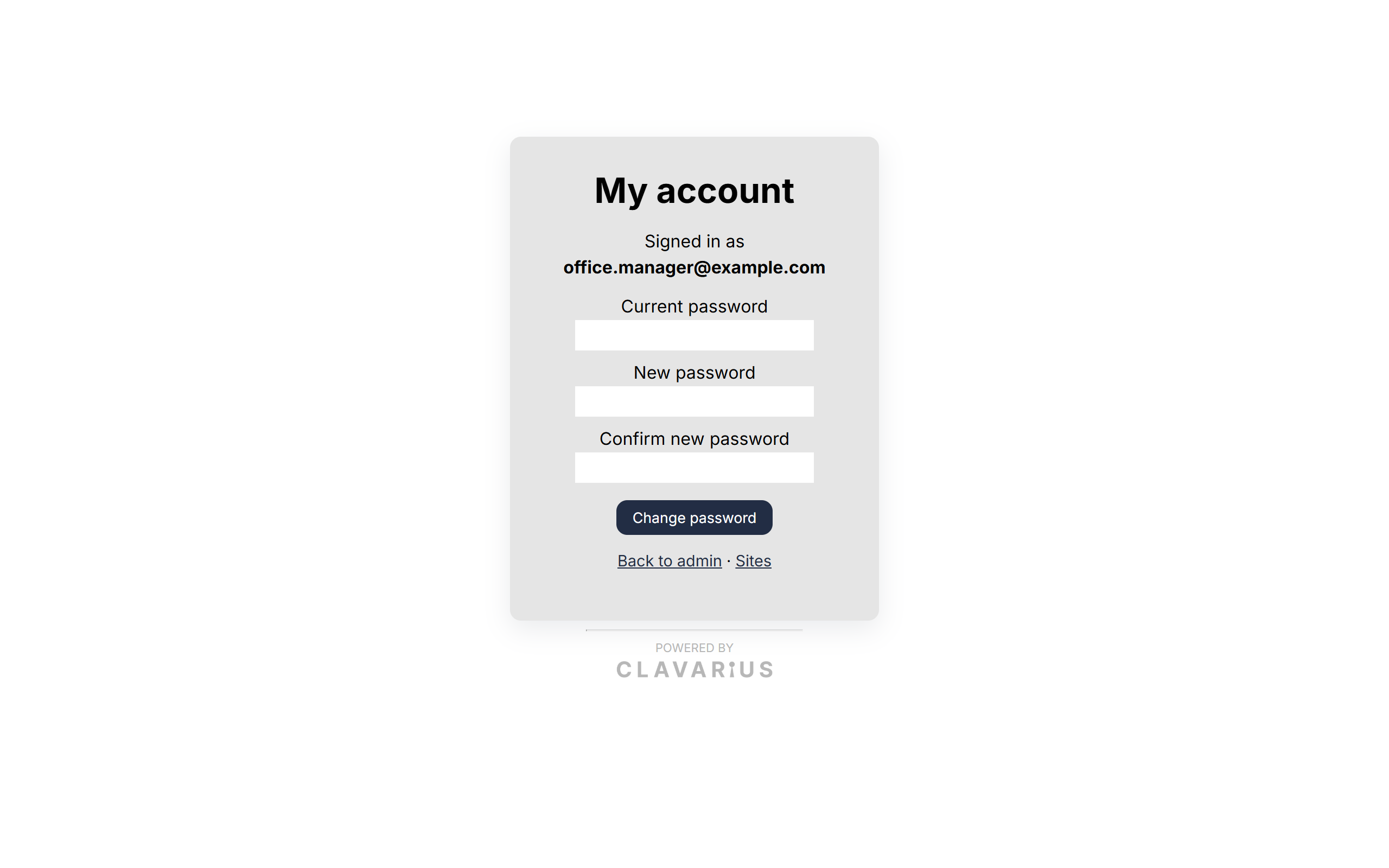
- Click My account at the top of any admin page.
- Enter your Current password.
- Enter your New password twice (New password and Confirm new password).
- Click Change password.
You'll see "Password changed. You've been signed out on your other devices." The device you're using stays signed in.
Password rules
- At least 10 characters. A few random words strung together are easy to remember and hard to guess.
- Don't reuse a password from another website.
Good to know
- Forgotten your current password? Reset it instead.
- Passwords for tablet access accounts are changed by an admin in Admin → Users — see Access accounts.