
Email everyone on site
Use this to tell everyone who is on site right now about something that affects them: the car park is closed, a fire alarm test is due, or a site is closing early.
Steps
- Go to Admin → Overview.
- Click Email everyone on site.
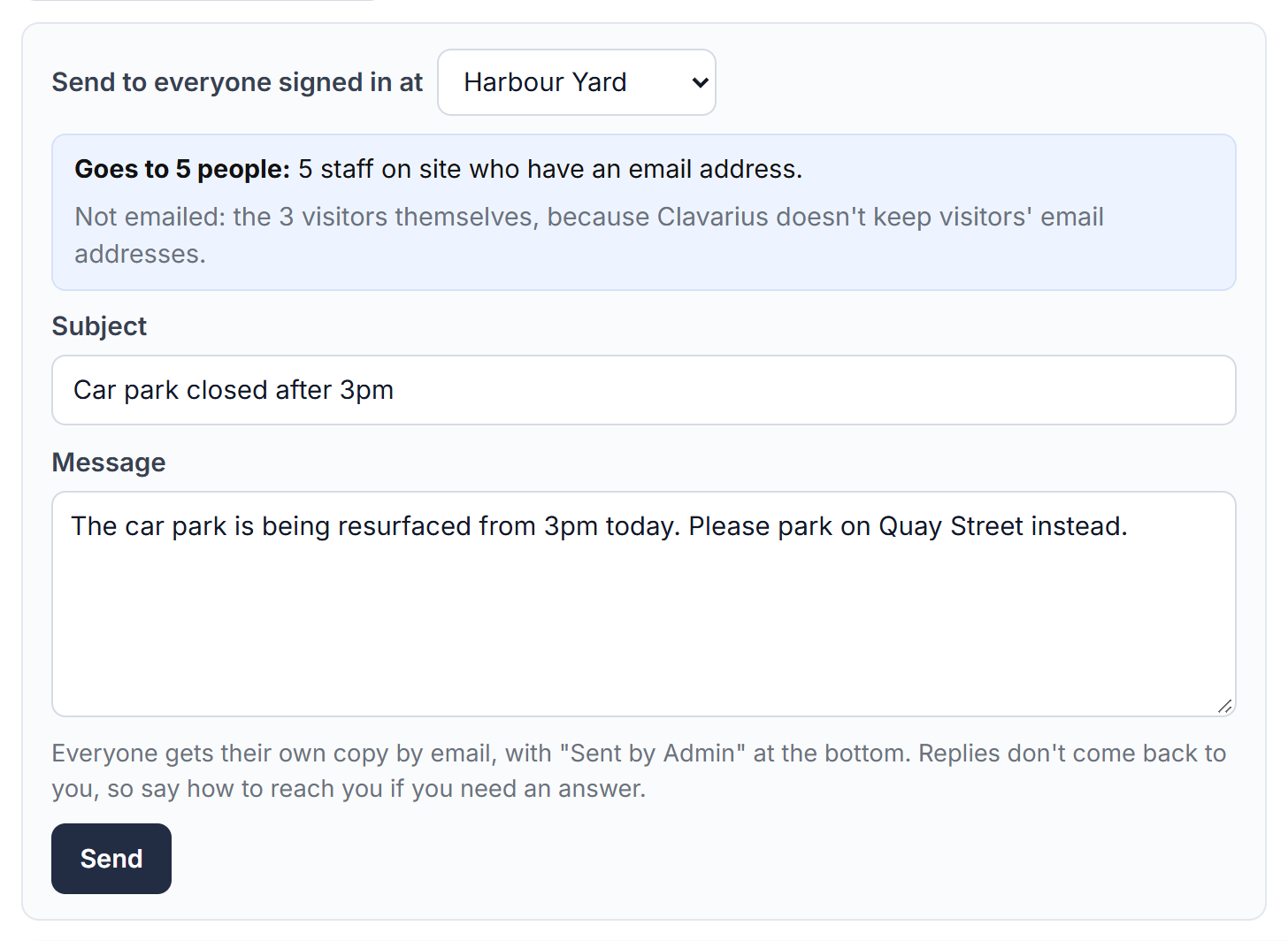
- Under Send to everyone signed in at, choose a site or All sites.
- Check the blue box: it says exactly who the email goes to, and who it doesn't.
- Type a Subject and your Message.
- Click Send and confirm.
Who gets it
- Staff on site who have an email address on their People record.
- The people visitors are visiting, if they aren't already on the list, so they can pass the message on.
Visitors themselves don't get it: Clavarius doesn't keep visitors' email addresses. Staff without an email address don't get it either; the box names them so you can tell them another way.
Good to know
- Everyone gets their own copy, so nobody sees who else it went to.
- The email says Sent by Admin at the bottom. Replies don't come back to you, so say how to reach you if you need an answer.
- It's listed in Today's activity on the Overview page and under Reports → Emails sent.
- If you refresh the page straight after sending, the same message isn't sent again.
- In an evacuation, use the Signed-in List and live roll-call instead: they're built for that.