
The welcome screen
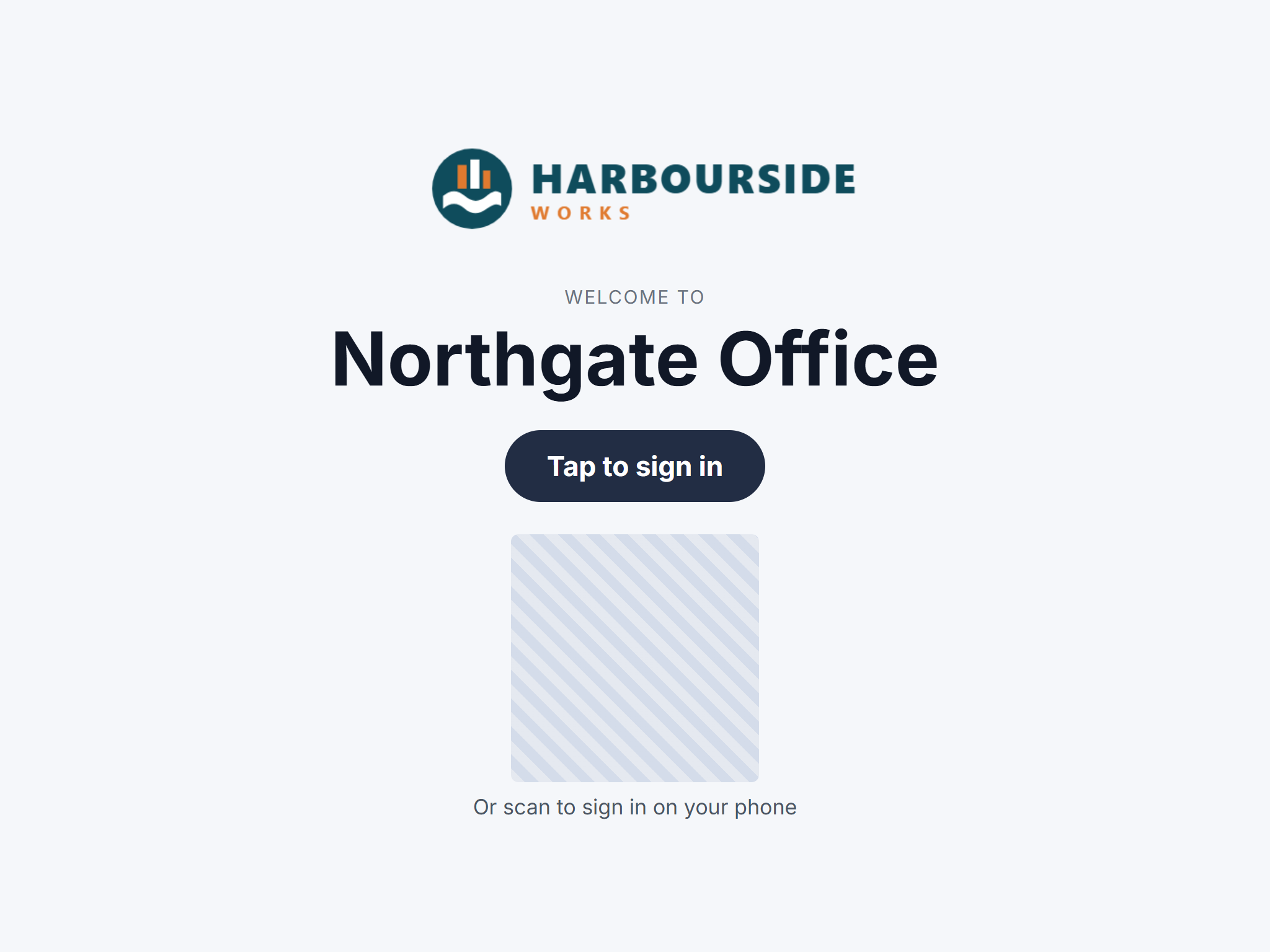
When a tablet hasn't been touched for a few minutes, the welcome screen covers the sign-in screen with your logo, the site's name and Tap to sign in. It's off until you switch it on, one site at a time.
Turn it on
- Go to Admin → Sites and click Edit next to the site.
- Tick Welcome screen.
- Click Save and confirm.
The site's sign-in screen picks it up the next time it refreshes, or straight away if you reload it.
Good to know
- Any tap goes straight back to the sign-in screen.
- With phone sign-in on, the welcome screen shows a large QR code. It changes every minute, so it's the more secure way to offer phone sign-in: a photo of it soon stops working.
- It never covers a form someone is filling in, an open message or the emergency screen.